Device Photos
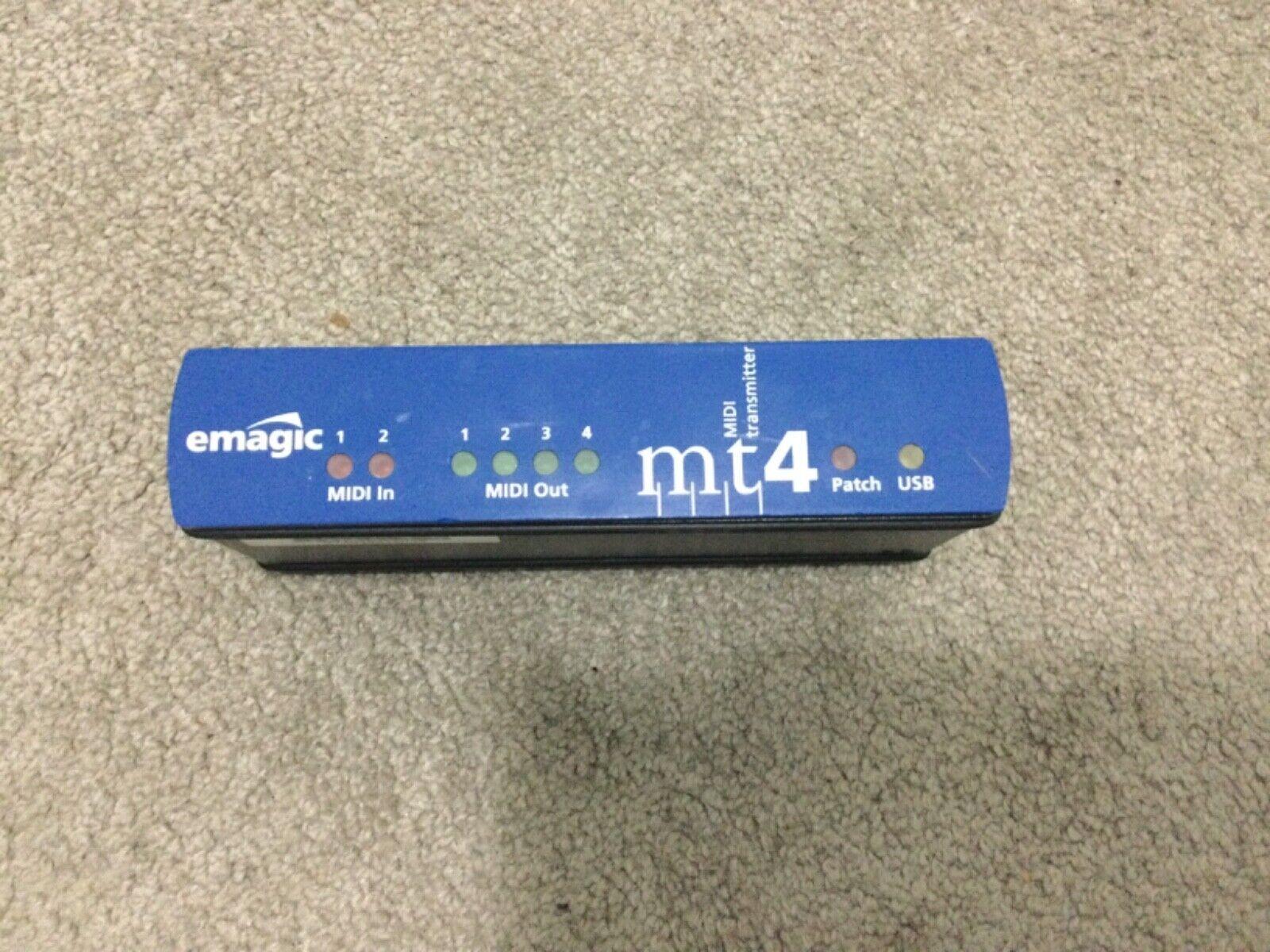
Front
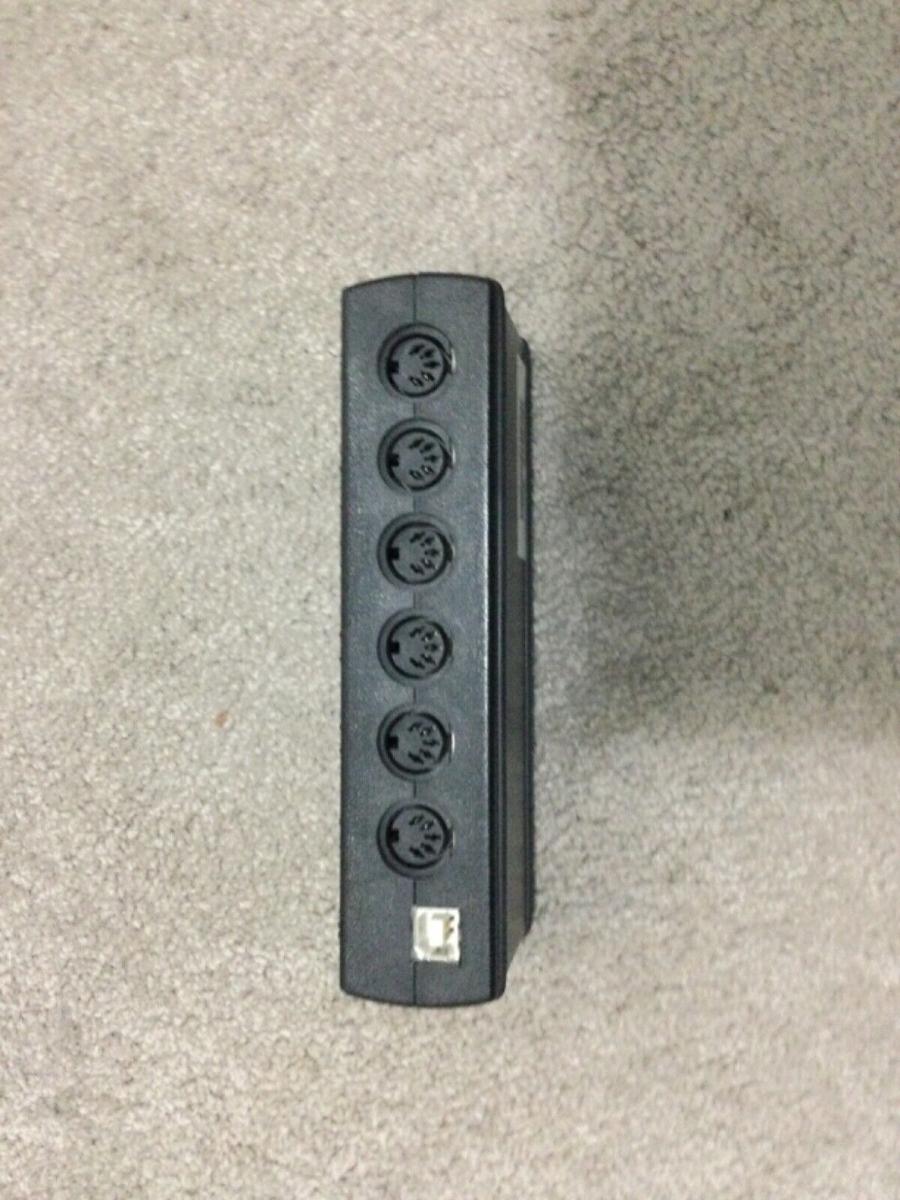
Back
Basic data
Name
emagic MT4
Category
4) MIDI interfaces / MIDI routing
Type
USB _ MIDI _ INTERFACE _ (2X4)
Specimen
Unit
Inventory tag
STUDIO: EMAGIC-MT4
Condition
OK
Physical parameters
Dimensions (mm)
150 x 50 x 85 mm
Dimensions (inch)
—
Weight
~ 300 g
Format
compact desktop unit
Material
Plastic enclosure with rubber feet
Manufacturing (Period)
—
Manufacturer
—
Power
Voltage
USB 5V
Current (typical)
Not stated
Current (max)
Not stated
Polarity
N / A (USB)
Connector
USB
AC/DC
DC
Internal/External
External
Note
Bus- powered operation; overit stand-alone breeding according to specific piece.
Warning: Check the polarity of the source before connecting! Improper power supply will damage the device.
Firmware and serial number
Serial number
FW version (current)
N / A / Legacy
Check date
2026-03-06
Previous version
N/A
Bootloader
N/A
Update Link
N/A
Backup File
N/A
Quick Summary
Compact USB MIDI interface emagic MT4s 2× MIDI IN and 4× MIDI OUT (32 input / 64 output MIDI channels). USB powered. Stand-alone patch mode with software (OMS/SoundDiver compatibility). Legacy Emagic hardware gradually taken over by the Apple ecosystem.
Product Description
the emagical MT4 is a multi-port MIDI interface for the connection of DAW and external MIDI hardware. The internal inventory confirms 2 × MIDI IN, 4 × MIDI OUT, USB power supply and stand-alone patchbay mode.
Features and functions
- 2 × MIDI IN / 4 × MIDI OUT (DIN)
- USB connection to the host computer
- Stand-alone patch mode (MIDI patchbay workflow)
- Suitable for routing multiple external synths
- Legacy Ematic hardware (gradually taken over under Apple ecosystem)
Primary I/O (quick orientation)
| Domain | Inputs | Outputs | Note |
|---|---|---|---|
| MIDI | 2x DIN MIDI In | 4x DIN MIDI Out | Confirmed by internal inventory. |
| USB | USB to host | USB to host | Data and power interface in normal guest mode. |
Controls
FRONT / TOP (user control)
- Port status LED indication
- Stand-alone patch mode controls
Service / hidden elements
- Verify stability of all 4 MIDI OUT ports under the load of SysEx.
- To complete the exact description of driver support for modern OS (legacy compatibility).
Connectors and connections
Connector matrix
| Interfaces | IN | OUT | Spec / note |
|---|---|---|---|
| MIDI | 2x DIN MIDI In | 4x DIN MIDI Out | Confirmed by internal inventory. |
| USB | USB to host | USB to host | Data and power interface in normal guest mode. |
Latency and jitter
Clock sources
USB host timing + internal MIDI clock
Clock IN/OUT format
MIDI clock (24 PPQ)
Typical latency
< 2 ms (USB)
Jitter spec
< 100 ppm (typically)
Buffer support
USB real-time buffering
Impedance and signal levels
Line Level (dBu)
N/A
Mic In level
N/A
Output Impedance
N/A
Input Impedance
N/A
THD
N/A
Frequency Range
N/A
Other Specifications (from metadata.specifications)
| Key | Value |
|---|---|
| No other specifications | |
Additional technical details
| Key | Value |
|---|---|
| compatibility | Mac OS 8.6 + (legacy), Windows 95 / 98 / 2000 / XP (legacy), Modern OS: limited / community support |
| compatibility | Logic (legacy), SoundDiver, OMS-compatible DAWS, Generic MIDI tools |
Typical routing
- DAW to multiple MIDI synths: MT4 as a central MIDI hub between computer and external tools.
• USB - > guest / DAW
• MIDI OUT 1-4 - > four external MIDI devices
• MIDI IN 1-2 - > return from keyboard / controller to DAW - Standalone patch mode: Using MT4 without active DAW guest as a simple MIDI patch / router.
• Set stand-alone patch mode
• Map MIDI IN to the required MIDI OUT
• Verify routing using the MIDI note / clock test
Connection instructions: The examples below show typical signal flows in practice. For specific details (jitter, buffering), see section above.
SW / drivers
| Component | Windows | macOS | Linux | Note |
|---|---|---|---|---|
| OS compatibility | — | — | — | — |
Custom firmware details
Author
—
FW family
—
Custom FW targets
- No explicit custom FW targets in metadata.
Custom CC mapping
| CC | Meaning |
|---|---|
| No custom CC mapping. | |
Custom FW global settings
| Settings | Meaning |
|---|---|
| No custom global settings. | |
Custom FW extended menu
| Item | Detail |
|---|---|
| No extended menu details. | |
Documentation and manuals
Manufacturer / Links
- Official site of manufacturer
- eBay - search for emical MT4
- Aukro.cz - search for emical MT4
- MusicyBazar.cz - search for the emical MT4
- MIDI.cz - search for the emical MT4
- Kytary.cz - search for emagical MT4
- Heureka.cz - search for emical MT4
- Gear4music.cz - search for the magic MT4
- Muziker.cz - search for the emical MT4
Service log
| Date | Event | Who | Note |
|---|---|---|---|
| No records yet. | |||
Presets / User banks
Storage type
Number of banks
Current bank
Backup File
Export format
Note
Notes / service / modifications
- Basic technical data (2 × IN / 4 × OUT, USB, stand-alone patch mode) confirmed by internal inventory.
- Emagical hardware is legacy / discontinued; modern driver compatibility must be verified according to a specific OS.
- Detailed electrical and low-level timing parameters are not yet in the local background.