Device Photos
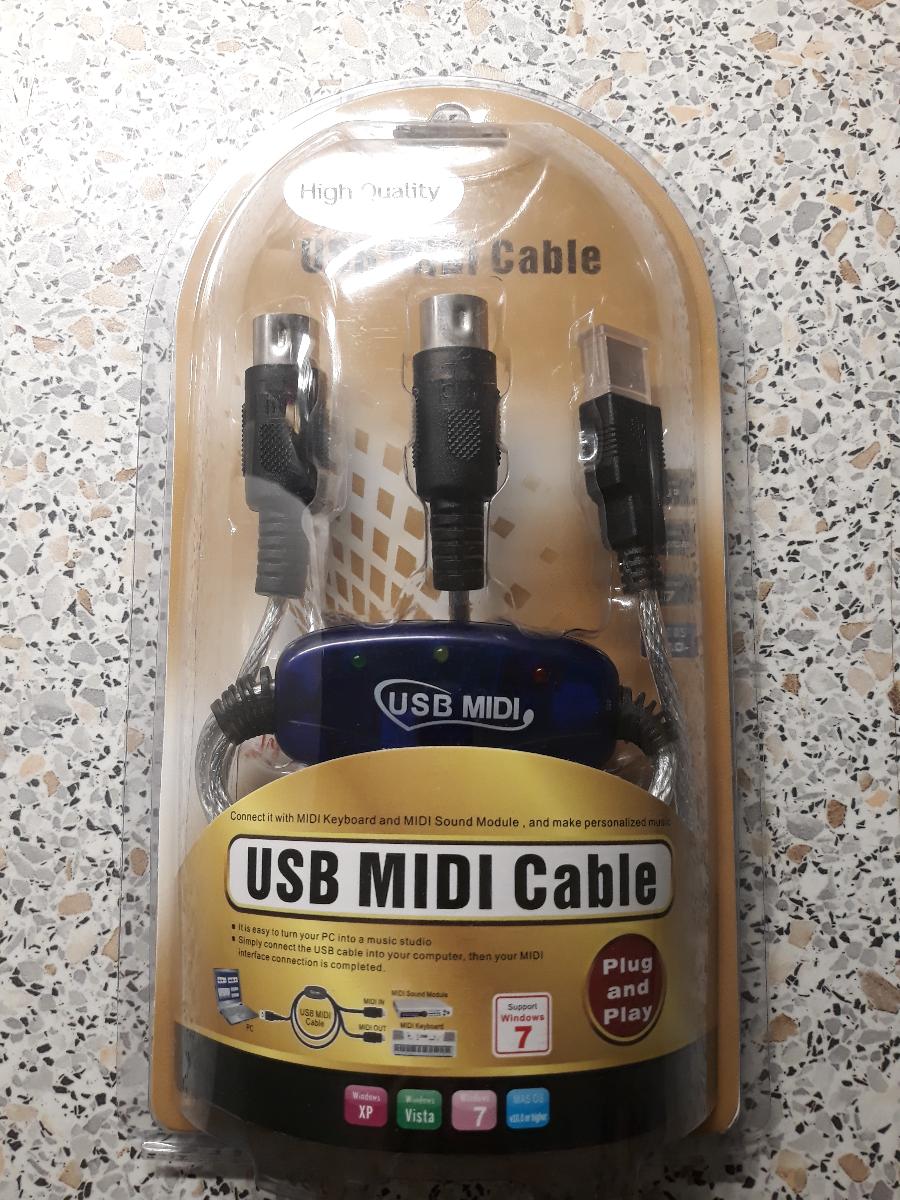
Front
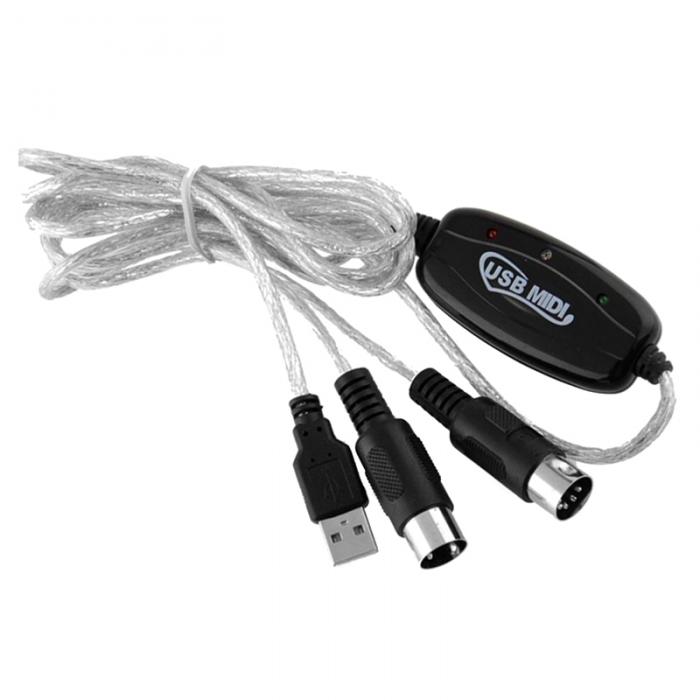
Top
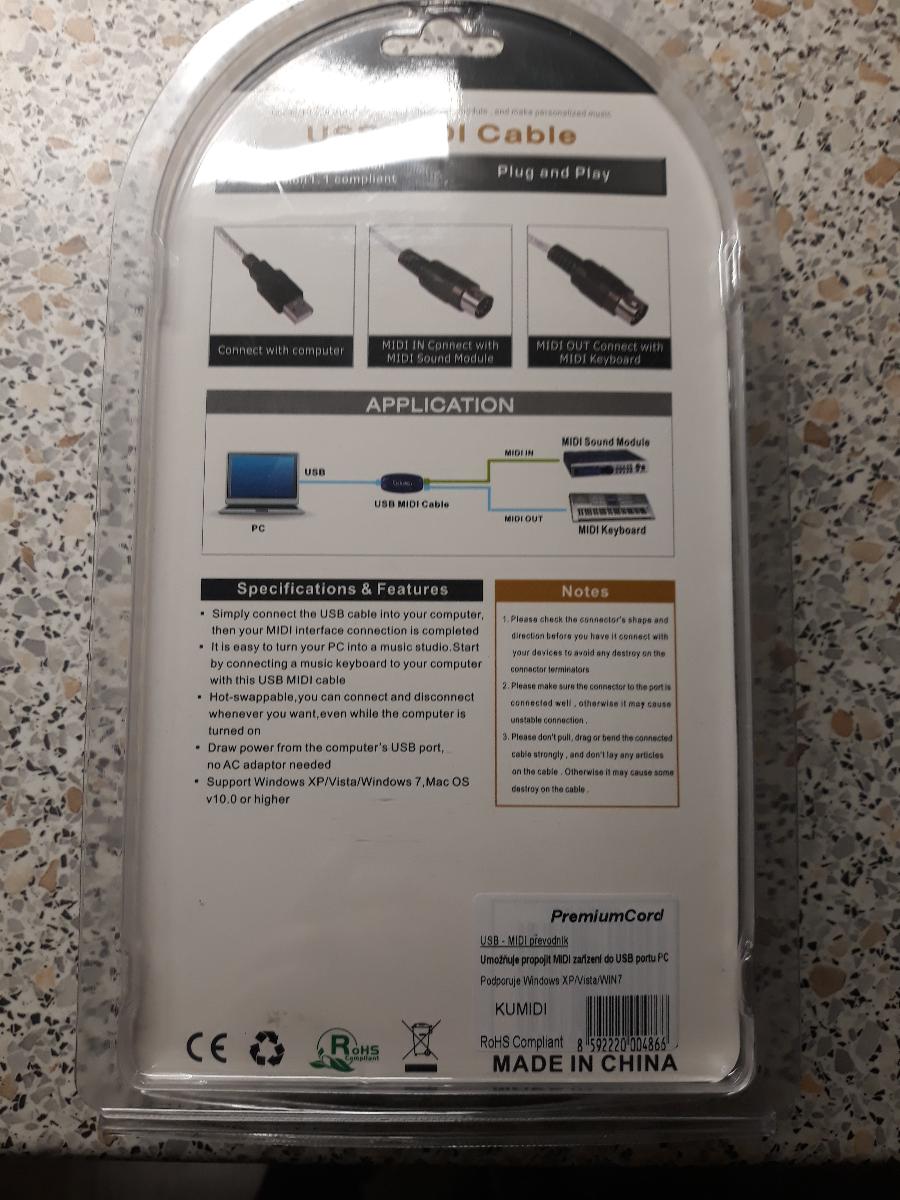
Back
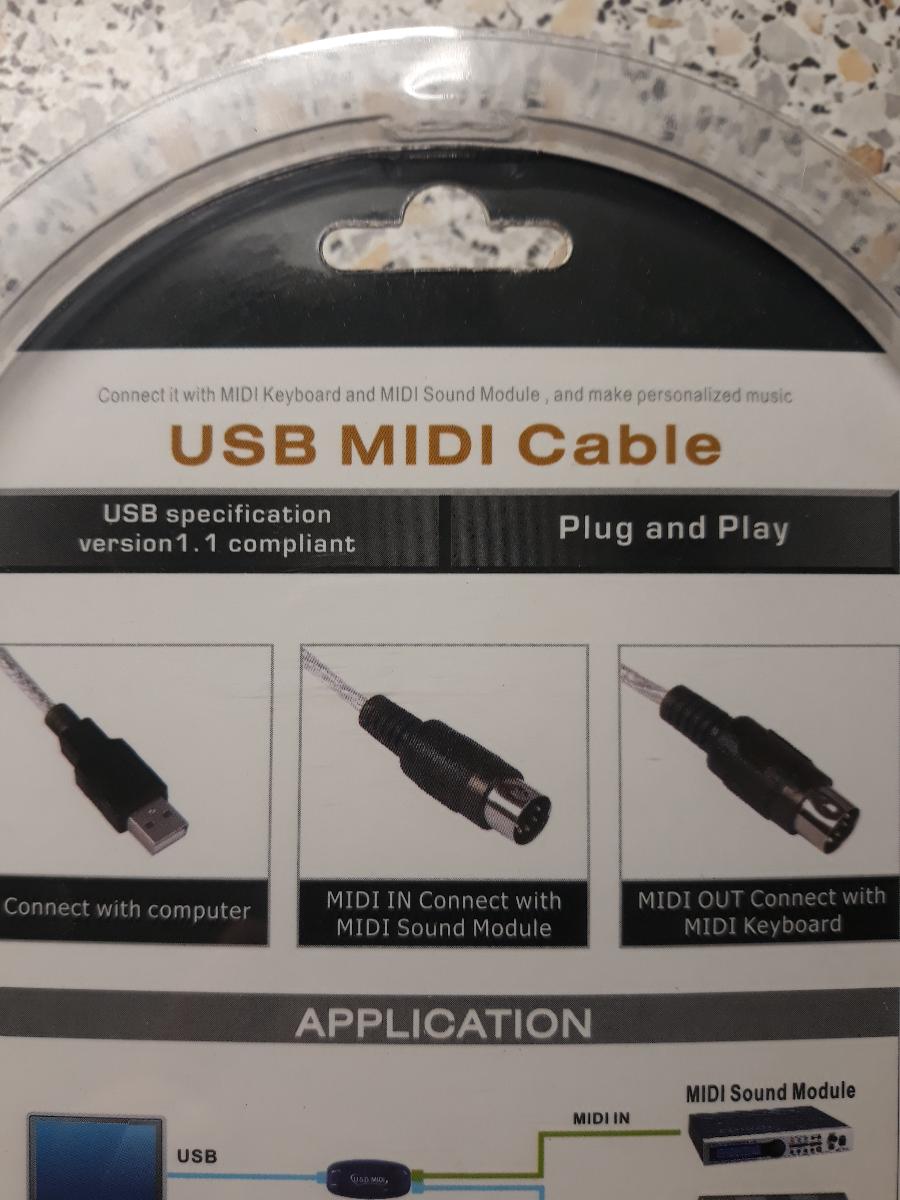
Input/Exit
Basic data
Name
USB>MIDI (in/out) Model A
Category
4) MIDI interfaces / MIDI routing
Type
USB _ MIDI _ INTERFACE _ (1X1)
Specimen
Unit
Inventory tag
Condition
OK
Physical parameters
Dimensions (mm)
—
Dimensions (inch)
—
Weight
—
Format
—
Material
—
Manufacturing (Period)
—
Manufacturer
—
Power
Voltage
USB 5V
Current (typical)
Not stated
Current (max)
Not stated
Polarity
N / A (USB)
Connector
USB Type
AC/DC
DC
Internal/External
External
Note
Power directly from USB guest; no external adapter.
Warning: Check the polarity of the source before connecting! Improper power supply will damage the device.
Firmware and serial number
Serial number
FW version (current)
N / A (typically without updatable FW)
Check date
2026-03-07
Previous version
N/A
Bootloader
N/A
Update Link
N/A
Backup File
N/A
Quick Summary
Simple USB-MIDI converter (1x MIDI IN / 1x MIDI OUT) for connecting DIN MIDI devices to PC/DAW.
Product Description
Compact USB-MIDI cable adapter suitable for basic MIDI communication (note on / off, CC, clock, easier SysEx). Practical solution for older synthesizers, drum machine and MIDI utilities without native USB.
Features and functions
- USB to MIDI DIN Adapter
- MIDI IN + MIDI OUT (5-pin DIN)
- Bus-powered via USB
- Plug- and-play workflow for common MIDI tasks
- Suitable for simple MIDI clock / CC / notes routing
Primary I/O (quick orientation)
| Domain | Inputs | Outputs | Note |
|---|---|---|---|
| MIDI | 1x MIDI IN (DIN 5-pin) | 1x MIDI OUT (DIN 5-pin) | The direction of the cable must be followed (DIN connectors are marked IN / OUT). |
| USB | USB to host | USB to host | Data and power link. |
Controls
FRONT / TOP (user control)
- Without active controls (cable adapter)
- LED indication (if fitted according to revision)
Service / hidden elements
- When problems check the correct orientation of DIN IN / OUT branch.
- For the test use the MIDI monitor in DAW or utility software.
Connectors and connections
Connector matrix
| Interfaces | IN | OUT | Spec / note |
|---|---|---|---|
| MIDI | 1x MIDI IN (DIN 5-pin) | 1x MIDI OUT (DIN 5-pin) | The direction of the cable must be followed (DIN connectors are marked IN / OUT). |
| USB | USB to host | USB to host | Data and power link. |
Latency and jitter
Clock sources
USB host scheduling
Clock IN/OUT format
MIDI clock (24 PPQ)
Typical latency
Not stated
Jitter spec
Not stated
Buffer support
Not stated
Impedance and signal levels
Line Level (dBu)
Mic In level
Output Impedance
Input Impedance
THD
Frequency Range
Other Specifications (from metadata.specifications)
| Key | Value |
|---|---|
| No other specifications | |
Additional technical details
| Key | Value |
|---|---|
| No additional technical details | |
Typical routing
Connection instructions: The examples below show typical signal flows in practice. For specific details (jitter, buffering), see section above.
SW / drivers
| Component | Windows | macOS | Linux | Note |
|---|---|---|---|---|
| No specific driver data; use the Documentation/Links section. | ||||
Custom firmware details
Author
—
FW family
—
Custom FW targets
- No explicit custom FW targets in metadata.
Custom CC mapping
| CC | Meaning |
|---|---|
| No custom CC mapping. | |
Custom FW global settings
| Settings | Meaning |
|---|---|
| No custom global settings. | |
Custom FW extended menu
| Item | Detail |
|---|---|
| No extended menu details. | |
Documentation and manuals
Manufacturer / Links
- eBay - USB search > MIDI (in / out) Model A
- Aukro.cz - search USB > MIDI (in / out) Model A
- MusicyBazar.cz - search USB > MIDI (in / out) Model A
- MIDI.cz - search USB > MIDI (in / out) Model A
- Guitary.cz - search USB > MIDI (in / out) Model A
- Heureka.cz - search USB > MIDI (in / out) Model A
- Gear4music.cz - search USB > MIDI (in / out) Model A
- Muziker.cz - search USB > MIDI (in / out) Model A
Service log
| Date | Event | Who | Note |
|---|---|---|---|
| No records yet. | |||
Presets / User banks
Storage type
Number of banks
Current bank
Backup File
Export format
Note
Notes / service / modifications
- Practical use: simple MIDI routing between older HW and DAW.
- For major SysEx transfers, reliability may vary according to the revision of the chipset.